July 17, 2026
Data Usage and Costs by Video Quality When Watching Broadcast Catch-Up Content on Mobile Data
How Video Quality Affects Data Consumption on Mobile Networks
Watching broadcast catch-up content on mobile data is convenient when you are commuting, traveling, or away from Wi-Fi. However, video streaming can use a large amount of data quickly, especially if the app plays content in HD, Full HD, or 4K.
The main factor is video quality. A program watched in 480p uses far less data than the same program watched in 1080p. Many apps also use automatic quality settings, which can increase the resolution when your mobile connection becomes faster. This may improve picture quality, but it can also make your data usage higher than expected.
If your mobile plan has a limited data allowance, high-quality streaming can use up your monthly data quickly. Even with an unlimited plan, some carriers may reduce speed after a certain high-speed data threshold. For this reason, it is useful to understand how much data each video quality level uses and which setting is suitable for your situation.

How Much Mobile Data Does Catch-Up TV Use by Video Quality?
Video quality directly affects how much mobile data is used. Higher-quality video contains more visual detail, so the streaming service needs to send more data to your device.
The table below gives a general estimate.
| Video Quality | Estimated Data per Minute | Estimated Data per 30 Minutes | Estimated Data per Hour |
|---|---|---|---|
| 480p / SD | 5-10 MB | 150-300 MB | 300-600 MB |
| 720p / HD | 15-30 MB | 450-900 MB | 0.9-1.8 GB |
| 1080p / Full HD | 30-60 MB | 0.9-1.8 GB | 1.8-3.6 GB |
| 4K / UHD | Over 100 MB | Over 3 GB | Over 7 GB |
These figures are estimates only. Actual usage depends on the streaming app, bitrate, compression technology, frame rate, HDR support, and the type of content being watched. For example, a sports replay or action-heavy program may use more data than a talk show at the same resolution.
Still, the table is useful for planning. A one-hour catch-up program in 720p may use around 1 GB or more, while the same program in 1080p may use several gigabytes. This difference matters if your mobile plan has a monthly data limit.
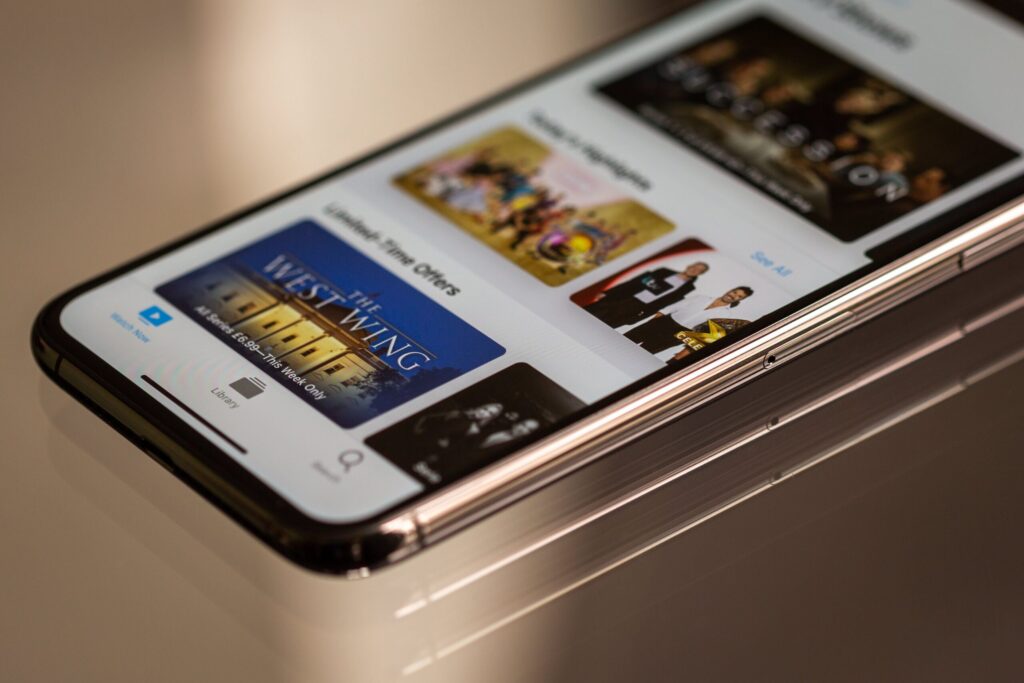
Which Video Quality Should You Choose on Mobile Data?
The best video quality is not always the highest option. On a smartphone, 720p is usually clear enough for most catch-up content while using much less data than 1080p or 4K.
480p is a good choice when you have limited data remaining or when the content does not require sharp visuals. News, talk shows, interviews, and casual entertainment programs are often still watchable at 480p on a small screen.
720p is the best everyday option for most mobile users. It gives a good balance between picture quality and data usage.
1080p is better for tablets, laptops, or content where visual detail matters more, such as sports or action-heavy programs. However, it should be used carefully on mobile data because it can consume much more data.
4K is usually not recommended on mobile data. It can use several gigabytes in a single hour and often provides little visible benefit on a small phone screen.
| Situation | Recommended Quality |
| You have very limited data left | 480p |
| You are watching on a smartphone | 720p |
| You are watching a short replay | 480p or 720p |
| You are watching one full episode | 720p if your plan allows |
| You are watching on a tablet or laptop | 720p or 1080p |
| You are watching sports or detailed visuals | 720p or 1080p |
| You are using a strict data limit | Avoid 1080p and 4K |
| You are connected to stable Wi-Fi | 1080p or higher is safer |
For most people, the practical rule is simple: use 720p for normal mobile viewing, 480p when saving data, and Wi-Fi for 1080p or 4K.
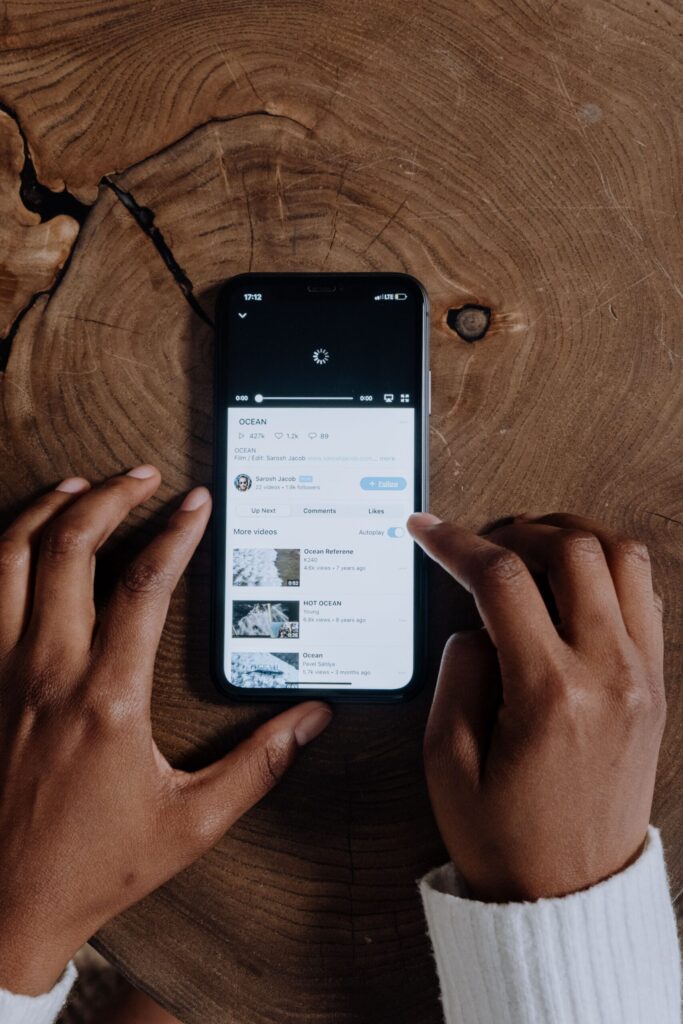
Why Your Actual Data Usage May Be Higher Than Expected
There are two common reasons data usage becomes higher than expected: automatic video quality and mobile plan conditions.
Many catch-up TV and streaming apps use an Automatic quality setting. This allows the app to adjust video quality based on your current connection speed. If the connection is weak, the app may lower the quality to reduce buffering. If the connection becomes stronger, the app may raise the quality again.
This is convenient, but it can be risky on mobile data. You may start watching in 480p, then the app may switch to 720p or 1080p when the network improves. The video looks better, but your data usage also increases. This can happen more often on fast 5G connections.
Your mobile plan also affects the real cost. If you have a fixed monthly data allowance, one or two HD episodes may use a noticeable portion of your plan. If your carrier charges extra after the limit, high-quality streaming may lead to additional costs. If your plan is unlimited, speed may still be reduced after a certain amount of high-speed data is used.
Before watching catch-up TV regularly on mobile data, check:
- Your monthly data allowance
- Whether extra charges apply after the limit
- Whether speed is reduced after a high-speed data threshold
- Whether video streaming is treated differently from regular data
- Whether your plan includes streaming app benefits or video add-ons
Carrier prices, throttling rules, and streaming benefits change over time, so these details should always be verified with the current mobile plan information.
Streaming, Downloading, and Wi-Fi: Which Option Is Better?
Streaming uses data continuously while you watch. If you watch a one-hour program on mobile data, your phone keeps using data throughout that hour. If you rewatch the same program later, it may use data again unless the app has saved or downloaded the content.
Downloading works differently. The full episode is saved to your device first, and then you can watch it offline without using additional mobile data. However, downloading only helps save mobile data if you download over Wi-Fi. If you download using mobile data, the download still counts against your data allowance.
| Viewing Method | Mobile Data Impact | Best Use Case |
| Streaming on mobile data | Uses data while watching | Short clips or occasional viewing |
| Downloading on mobile data | Uses a large amount of data at once | Only when necessary |
| Downloading on Wi-Fi | Saves content without using mobile data | Full episodes and travel |
| Watching offline | Uses no extra mobile data after download | Commutes, flights, or weak signal areas |
If you know you will watch several episodes later, download them over Wi-Fi in advance. This is usually the safest option for commuting, traveling, or watching in areas with unstable mobile signal.
Also check whether the app has separate settings for streaming quality and download quality. Some apps may stream at one quality but download at a higher quality by default.
Simple Ways to Reduce Mobile Data Usage
You do not need many complicated settings to reduce data usage. A few basic habits can make a big difference.
The most important step is to avoid Automatic quality when using a limited data plan. Choose 480p or 720p manually so that the app does not raise the resolution without you noticing.
It is also helpful to turn on Data Saver mode if the streaming app or phone supports it. This can reduce video bitrate or lower playback quality to use less data. If the app supports Wi-Fi-only downloads, enable that setting to prevent large downloads from starting on mobile data.
You should also turn off autoplay if you do not plan to watch multiple episodes. Autoplay can continue streaming the next program and use data even when you are no longer paying close attention.
Most smartphones also let you check how much data each app has used. On Android, this is usually found under Network, Connections, or Data Usage. On iPhone, it is usually under Cellular or Mobile Data. Checking this regularly can help you identify which streaming apps are using the most data.
In short, the most useful settings are:
| Setting or Habit | Why It Helps |
| Choose 480p or 720p manually | Prevents unexpected quality increases |
| Use Data Saver mode | Reduces video data usage |
| Enable Wi-Fi-only downloads | Prevents large mobile data downloads |
| Turn off autoplay | Stops the next episode from playing automatically |
| Check app data usage | Shows which apps consume the most data |
| Set a data warning or limit | Helps avoid exceeding your monthly allowance |
t setting. It prevents accidental downloads when your phone is connected to mobile data.
FAQ
Is 720p enough for Catch-Up TV on a phone?
Yes. For most smartphone users, 720p is clear enough for dramas, news, variety shows, and general Catch-Up TV content. It also uses much less data than 1080p.
Should I watch Catch-Up TV in 480p to save data?
If your data is limited, 480p is a good choice. It may not look as sharp as 720p, but it can be enough for news, interviews, talk shows, and casual viewing.
Does 1080p use much more data than 720p?
Yes. In many cases, 1080p can use roughly double or more compared with 720p. The exact difference depends on the app and bitrate.
Is 4K worth using on mobile data?
Usually no. 4K uses a very large amount of data and is often unnecessary on a phone screen. It is better to use 4K only on Wi-Fi or on a large display.
Does downloading save mobile data?
Only if you download over Wi-Fi. If you download over mobile data, the download still uses your mobile allowance.
Does watching downloaded content use mobile data?
No, not if the content has already been fully downloaded and you are watching it offline. However, the app may still use a small amount of data for login, ads, tracking, or updates depending on how it works.
Can Automatic quality use more data?
Yes. Automatic quality may increase resolution when your connection improves. This can make data usage higher than expected.
Do unlimited data plans make video quality irrelevant?
Not always. Some unlimited plans reduce speed after a certain amount of high-speed data has been used. It is still worth checking your carrier’s current policy.
Final Recommendation
When watching broadcast Catch-Up TV on mobile data, choose video quality based on your situation instead of always using the highest option.
For most smartphone users, 720p is the best balance between clarity and data usage. If your data is limited, use 480p or turn on Data Saver. Avoid Automatic quality if you want predictable data usage, especially on fast 5G connections.
For full episodes, multiple programs, 1080p, or 4K viewing, Wi-Fi is the safer choice. Downloading episodes over Wi-Fi before you travel or commute is one of the easiest ways to enjoy Catch-Up TV without unexpected mobile data usage or extra costs.